
How to Search 13F Filings on SEC EDGAR (Step-by-Step Guide)
If you've ever wanted to peek at what Warren Buffett, a activist hedge fund, or a mutual fund giant is buying and selling, the 13F filing is where that information lives. The good news: it's public. The less good news: SEC EDGAR wasn't built with casual research in mind, and a single 13F filing search can dump you into a wall of raw XML or a PDF-style table with hundreds of rows and no way to sort them.
This guide walks through exactly how to find and read 13F filings on EDGAR, then shows why most investors eventually want something faster for comparing positions across quarters.
What Is a 13F Filing, Quickly
A Form 13F is a quarterly report that institutional investment managers with more than $100 million in assets must file with the SEC. It lists every U.S. equity position the fund holds as of quarter-end: ticker, share count, and market value.
13Fs are filed 45 days after each quarter closes, so the information is always a bit stale by the time it's public. Still, it's one of the only windows regular investors get into institutional portfolios, which is why 13F filings search is such a common starting point for research on hedge funds, pension funds, and asset managers.
Step-by-Step: Searching 13F Filings on SEC EDGAR
Here's the manual process, start to finish.
1. Go to EDGAR's Full-Text Search
Head to the SEC's EDGAR system and use the full-text search tool. This lets you search by company name, fund name, or filer.
2. Search for the Fund by Name
Type in the fund's name (for example, a hedge fund or asset manager) rather than a stock ticker — 13F filings are organized by the filer, not by the companies they own.
3. Filter by Form Type
Once you get results, filter by form type and select "13F-HR" (the standard holdings report). This narrows the list to actual holdings filings instead of amendments or unrelated documents.
4. Pick the Right Quarter
Each fund files a new 13F every quarter. Check the filing date to make sure you're looking at the period you actually want — it's easy to accidentally open last quarter's report.
5. Open the Information Table
Inside the filing, look for the "Information Table" — this is the actual list of holdings. It's usually a separate document within the filing index, formatted as an XML or text table with columns for issuer name, CUSIP, share class, value, and shares held.
6. Cross-Reference CUSIPs
This is the part that trips people up: 13F tables identify securities by CUSIP number, not ticker symbol. You'll often need to look up the CUSIP separately to confirm which company it refers to, especially for less familiar names.
7. Repeat for Prior Quarters to Spot Changes
To see what a fund actually did — added a position, trimmed one, exited entirely — you need to pull the prior quarter's 13F and manually compare the two tables line by line.
Why Raw 13F Filings Are Hard to Work With
Once you've gone through the steps above once or twice, the friction becomes obvious:
- No sorting. EDGAR's tables display in whatever order the filer submitted them, which is rarely by position size.
- CUSIP, not ticker. You're stuck translating identifiers before you even know what you're looking at.
- No historical context. Each filing is a snapshot. There's no built-in way to see how a position changed from the prior quarter without opening both filings and comparing manually.
- No sense of materiality. A 500-share position and a 50-million-share position can sit right next to each other in the table with equal visual weight.
None of this is a flaw in EDGAR — it's a disclosure system, not a research tool. But it means the actual analysis work starts after you've already downloaded the filing.
How Compounder Makes 13F Research Faster
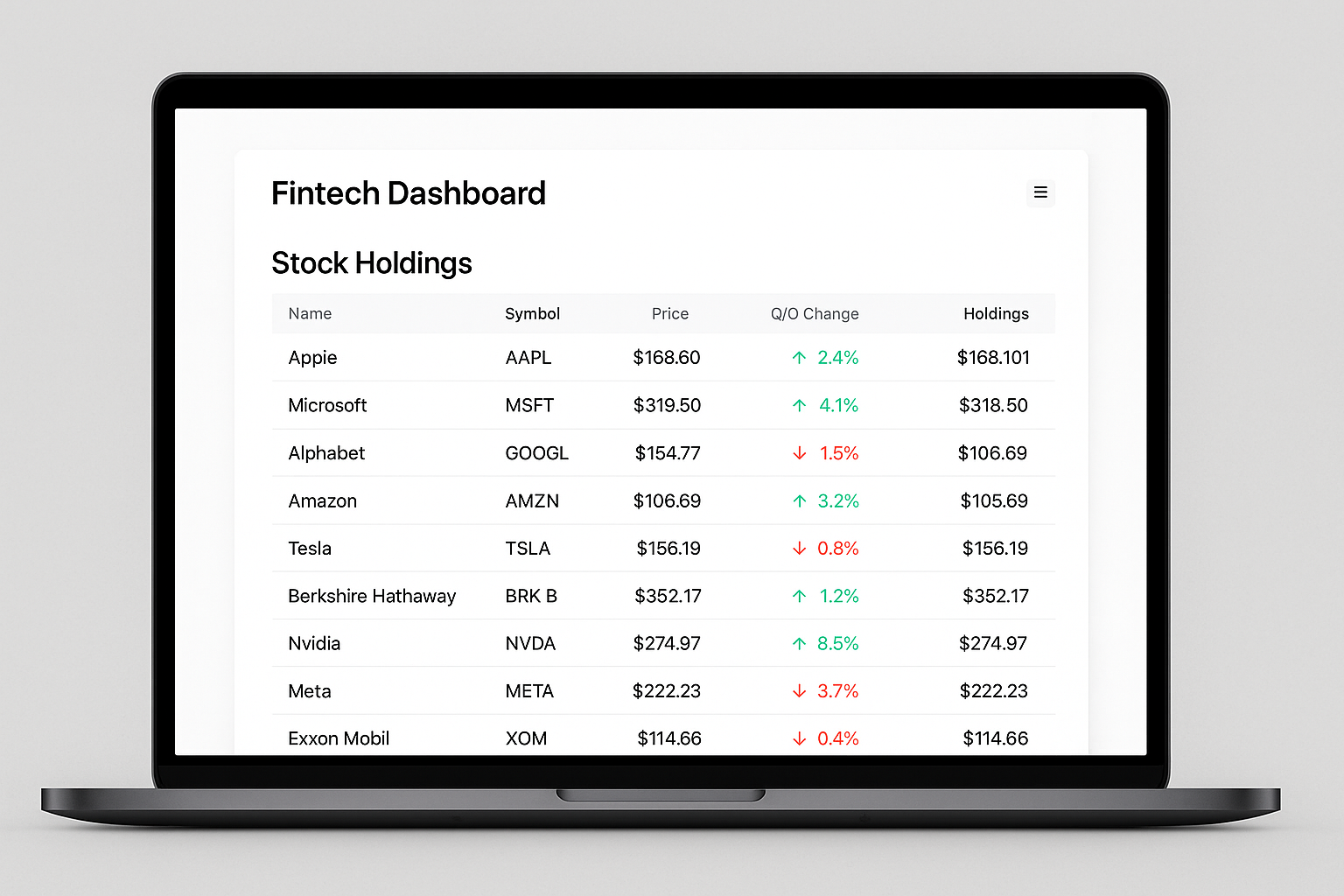
This is exactly the gap sortable, comparable holdings tables are meant to close. Instead of scrolling through a flat text file, you can sort a fund's positions by size, look at the position as a percentage of the portfolio, and see quarter-over-quarter deltas — what was added, trimmed, or exited — without manually cross-referencing two separate filings yourself.
That matters because the interesting story in a 13F usually isn't the full holdings list — it's the change. A fund doubling down on a position, or quietly exiting one entirely, tells you more than the raw share count on its own.
Pairing Holdings Data With Corporate Actions
Once you've identified a position worth digging into, context matters. On a stock's detail page in Compounder, the Filings tab surfaces significant corporate events pulled directly from SEC 8-K filings — things like spin-offs, CEO or CFO changes, dividend cuts, going-private announcements, activist investor responses, guidance changes, and restatements. Each filing card shows a color-coded event-type badge, the filing date, and a direct quote from the source document.
So if a 13F shows a fund building a large new position, you can flip to that company's Filings tab and quickly check whether there's a recent leadership change, guidance revision, or activist campaign that might explain the interest — without opening a separate 8-K on EDGAR.
Putting It Together
A practical research workflow looks like this:
- Search for a fund's 13F filings to see current holdings.
- Sort by position size to find what actually matters to the portfolio.
- Compare quarter-over-quarter to see what changed.
- Check the Filings tab on any interesting names for recent corporate events that add context.
EDGAR remains the authoritative source — every 13F starts there. But once you've searched it a few times, it's clear why sortable tables and quarter-over-quarter comparisons save real time over reading raw filings line by line. If you're regularly tracking institutional ownership, that difference compounds fast.