
What Wall Street Analysts Do—and How AI Now Does It Too
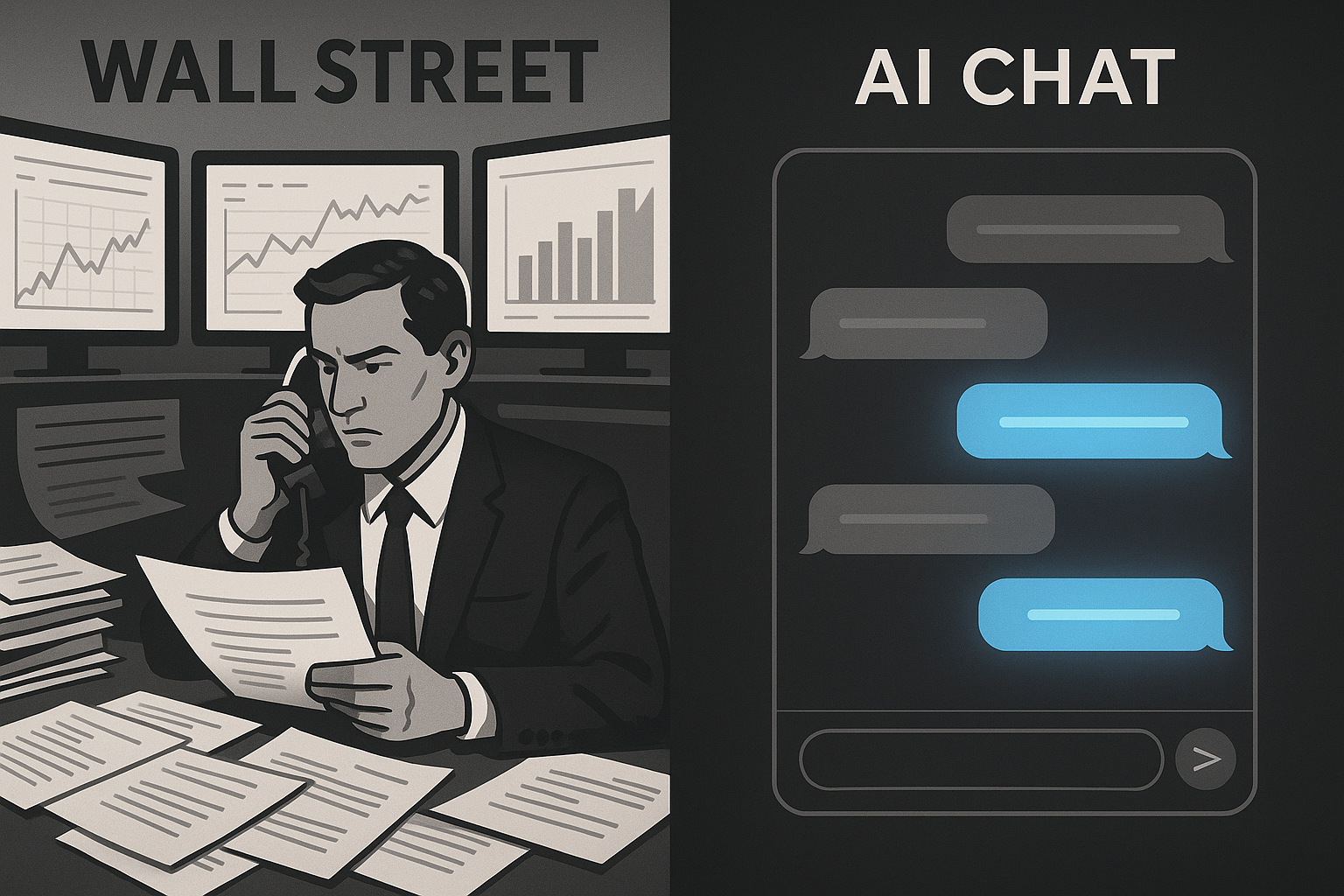
Every buy or sell recommendation you've ever read started with hours of unglamorous work: pulling filings, building comps, checking a thesis against the numbers. That's the job of a stock research analyst, whether they're sitting on a sell-side desk producing rating changes or on the buy-side building conviction for a portfolio manager. It's less "gut feeling" and more repetitive data assembly punctuated by moments of real judgment.
AI has gotten good at the repetitive part. Here's a breakdown of what the job actually involves, what a tool like AI Analyst can now do for you, and where a human still has to take the wheel.
The Real Workflow of a Stock Research Analyst
Strip away the Bloomberg terminal and the fancy title, and the core workflow looks like this:
1. Read the filings. 10-Ks, 10-Qs, earnings call transcripts, investor presentations. An analyst has to know what changed quarter over quarter — revenue mix, margin trends, guidance language, risk factor updates — and flag anything that shifts the story.
2. Build the comps. Every stock gets judged relative to something: its peers, its own history, or the market. That means pulling valuation multiples, growth rates, and margin profiles across a peer set and lining them up side by side.
3. Track the numbers over time. A single quarter tells you little. Analysts watch trends — is gross margin expanding, is customer growth decelerating, is debt creeping up — and they keep a running mental (or literal) model of where a company is headed.
4. Write the thesis. Everything above eventually gets distilled into a thesis: why this stock is a buy, a hold, or a sell, backed by specific numbers and a view on what happens next.
5. Monitor and revise. The job doesn't end at publication. New filings, new data, new price action — the thesis gets stress-tested constantly and updated when the facts change.
That's the job. It's mostly structured, repeatable research work, with judgment calls layered on top.
Where AI Now Does the Heavy Lifting
This is exactly the kind of workflow that benefits from an AI Analyst you can actually talk to. Instead of manually pulling filings and building spreadsheets, you open AI Analyst from the main navigation and ask a direct question.
On your first visit, you'll see a text input box with mode controls and a set of suggested questions — a fast way to get started if you're not sure what to ask first. Type your question (or click a suggested pill), and press Cmd/Ctrl + Enter to send it. Once the conversation starts, the layout shifts into a scrolling conversation view, with your messages and the AI's responses pinned at the bottom so you can keep the thread going naturally, question after question, the way you'd work through research with a colleague.
This covers a lot of what used to take an analyst hours: pulling the relevant numbers, summarizing a filing, comparing a company against its peers, or explaining a metric you don't fully understand yet. Instead of digging through a 10-K yourself, you ask AI Analyst what changed and get a direct answer.
For deeper dives — the kind of multi-step research that used to mean an afternoon with ten browser tabs open — Deep Research mode is built for exactly that. It's the difference between a quick answer and a fuller research pass, and both live inside the same AI Analyst experience so you're not jumping between tools.
Keeping Track of the Research You've Already Done
A real research process isn't just about generating answers — it's about being able to find them again. That's what the History page is for, accessed via the History link in AI Analyst navigation. It's split into two tabs:
- Conversations — every regular chat session, newest first, showing the title, the date it was last active, and how many messages it contains. Click any one to reopen it exactly where you left off.
- Deep Research — a separate home for your more involved research sessions, kept apart from quick chats so your deeper work doesn't get buried.
If you haven't started a conversation yet, the Conversations tab simply prompts you to start your first one. It's a small detail, but it reflects something important: research is cumulative. A stock research analyst rarely starts from zero — they build on prior work, and now that history is searchable and organized instead of scattered across notes and browser tabs.
The Judgment Calls AI Still Can't Make For You
Here's where it's worth being honest about the limits. AI Analyst can pull data, summarize filings, and organize research at a speed no human can match. What it can't do is decide for you.
Conviction is still a human job. Deciding how much weight to put on a soft guidance comment versus a hard number, judging management credibility, weighing macro risk against company-specific strength, or simply deciding how much of your portfolio a thesis deserves — that's judgment, not data retrieval. AI Analyst is built to hand you a well-organized, well-sourced starting point so you can spend your time on that judgment instead of on data entry.
Building the Habit of Ongoing Coverage
One underrated part of the analyst job is simply staying on top of names over time — not researching once and forgetting about it. That's where the + Follow button comes in. Whenever you see it on a stock card, sector card, or theme card anywhere in the app, one click adds that item to your Following list. You don't have to navigate anywhere else first — you spot something interesting mid-research and start tracking it immediately.
Combined with AI Analyst's Chat and Deep Research modes and a searchable History of everything you've asked, this turns the analyst workflow — read, compare, track, revise — into something an individual investor can actually run on their own, without a terminal and without a research team. The tools handle the retrieval and organization. You still bring the conviction.